Hello have bought a teclast x16 plus and came with max charge level at 95 %. In play store the only way for use battery calibration is with with root. And i cannot find many info about this Tablet searching in internet.
Well maybe do u know anyway for root the teclast x16 Plus? Tried kingroot yet but the apk dont worked.
Maybe do you know how to install new firmwares? The process is the same than on x16 pro or power?
Lol not info online for do those things. The only info is for remix os in this page. Maybe do you know guys something about this?
Introduction Finally, I own a Teclast tablet from GearBest. Yup, it is an Android 5.1 Lollipop tablet powered by Intel Cherry Trail Z8300 (Atom X5) with Intel HD Graphic Gen8 GPU. Equipped with 10.1″ IPS screen with 1280 x 800 resolution. Loaded with 2GB of RAM and 32GB of internal storage (can be expanded up to 128GB with external SD card). 2MP cameras for both front and rear. And lot of connectivity like Bluetooth 4.0, HDMI 1.4, Wi-Fi, Miracast and USB 2.0 with OTG. How does it perform? Let’s find out…
Well protected
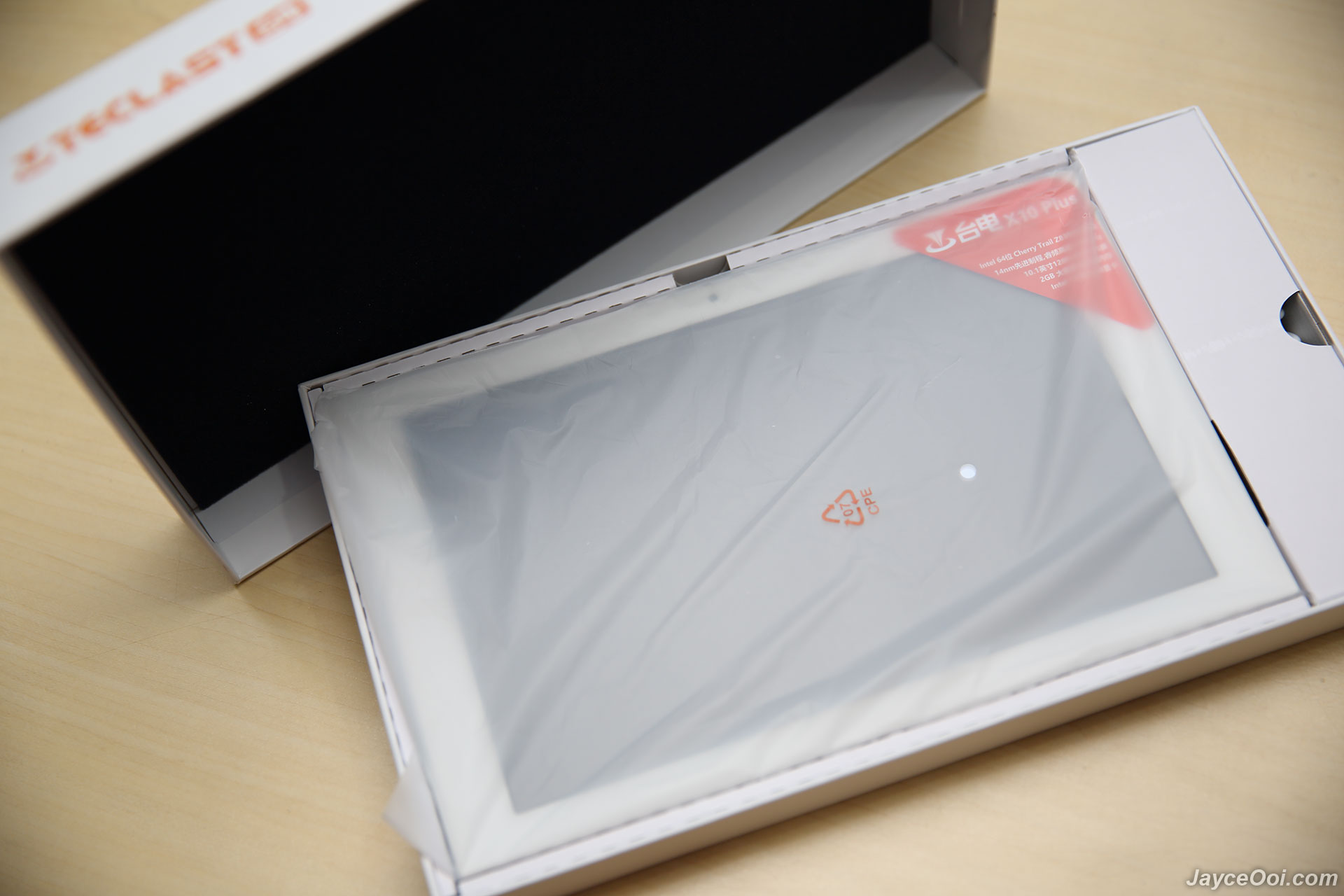
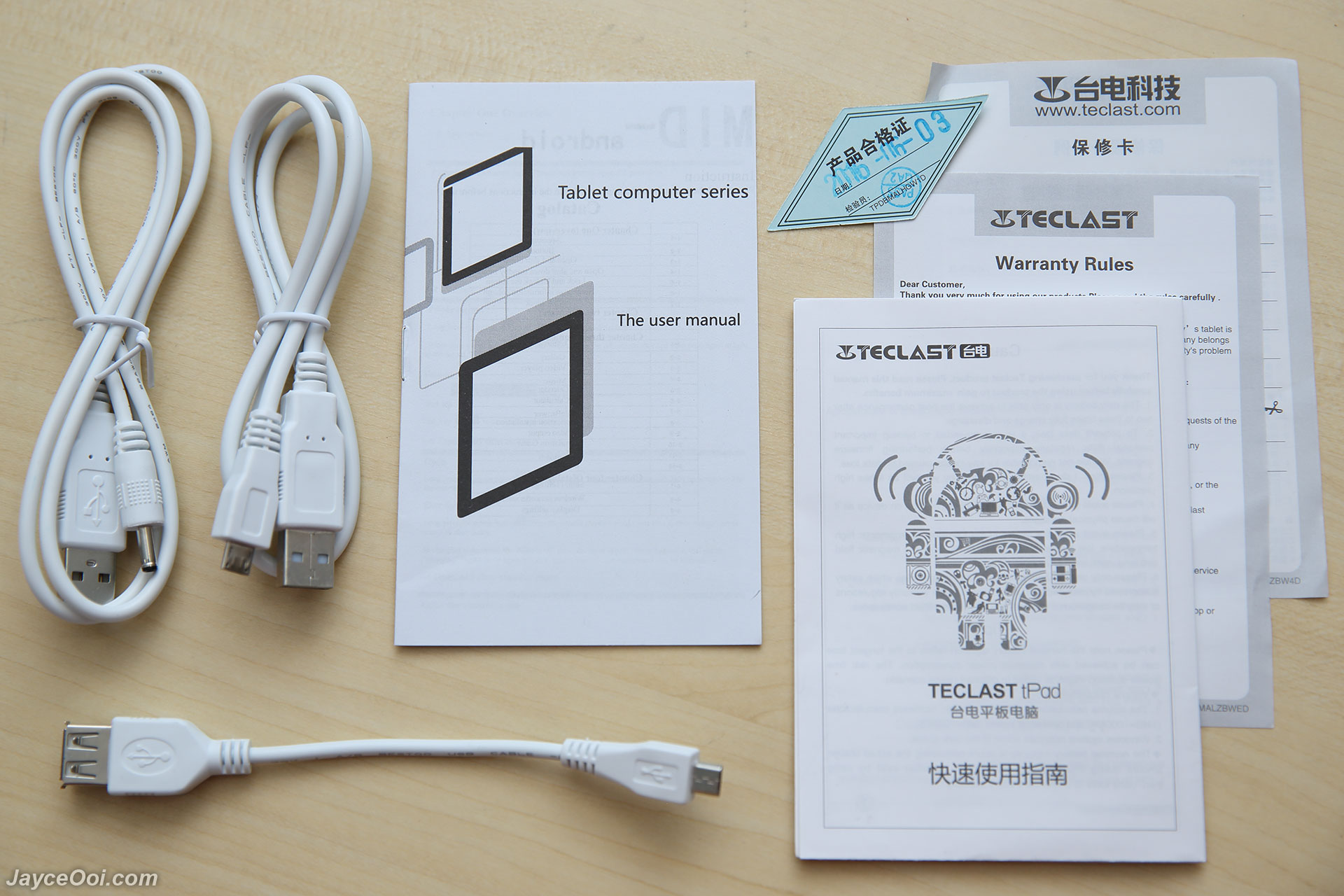
Package Contents
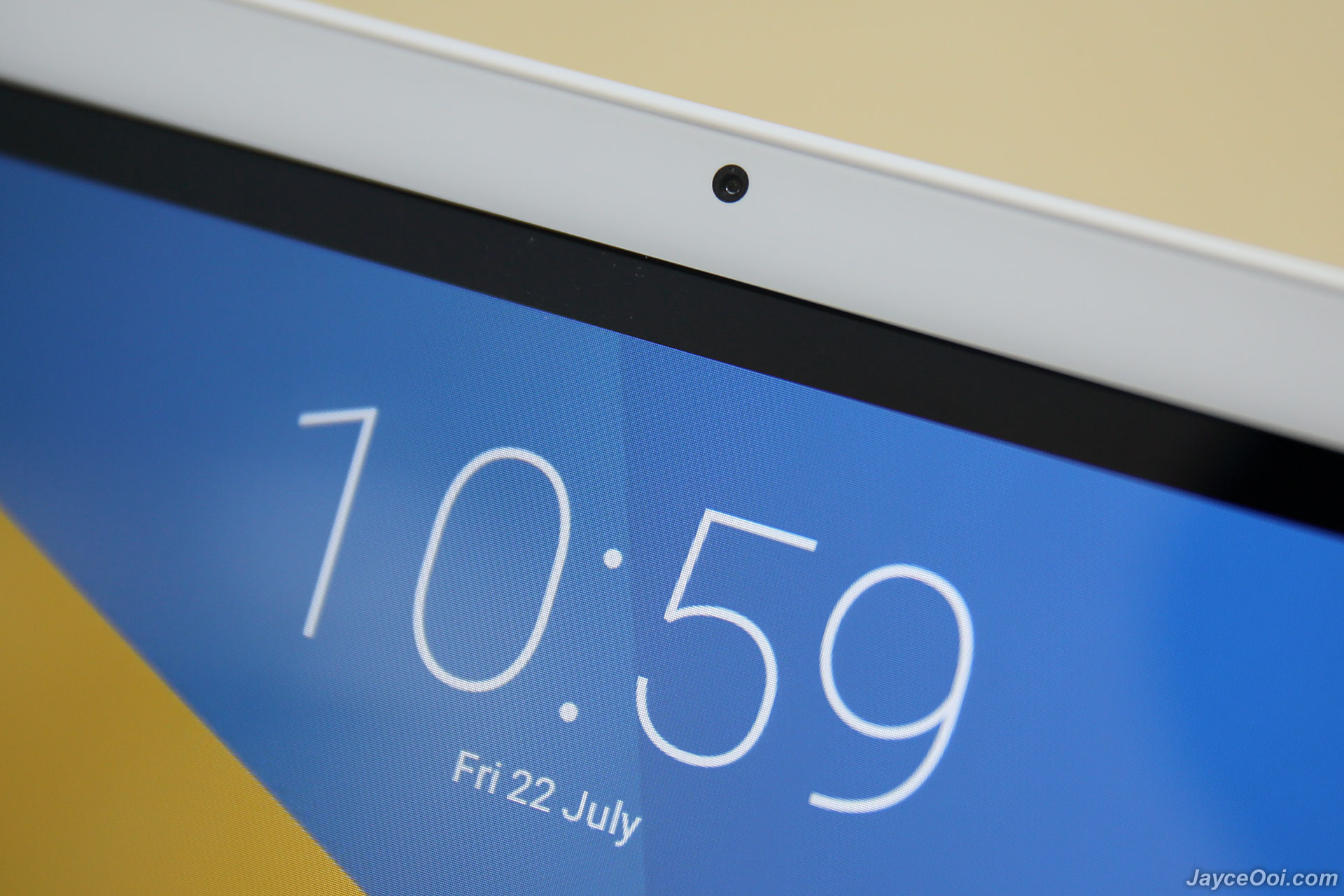
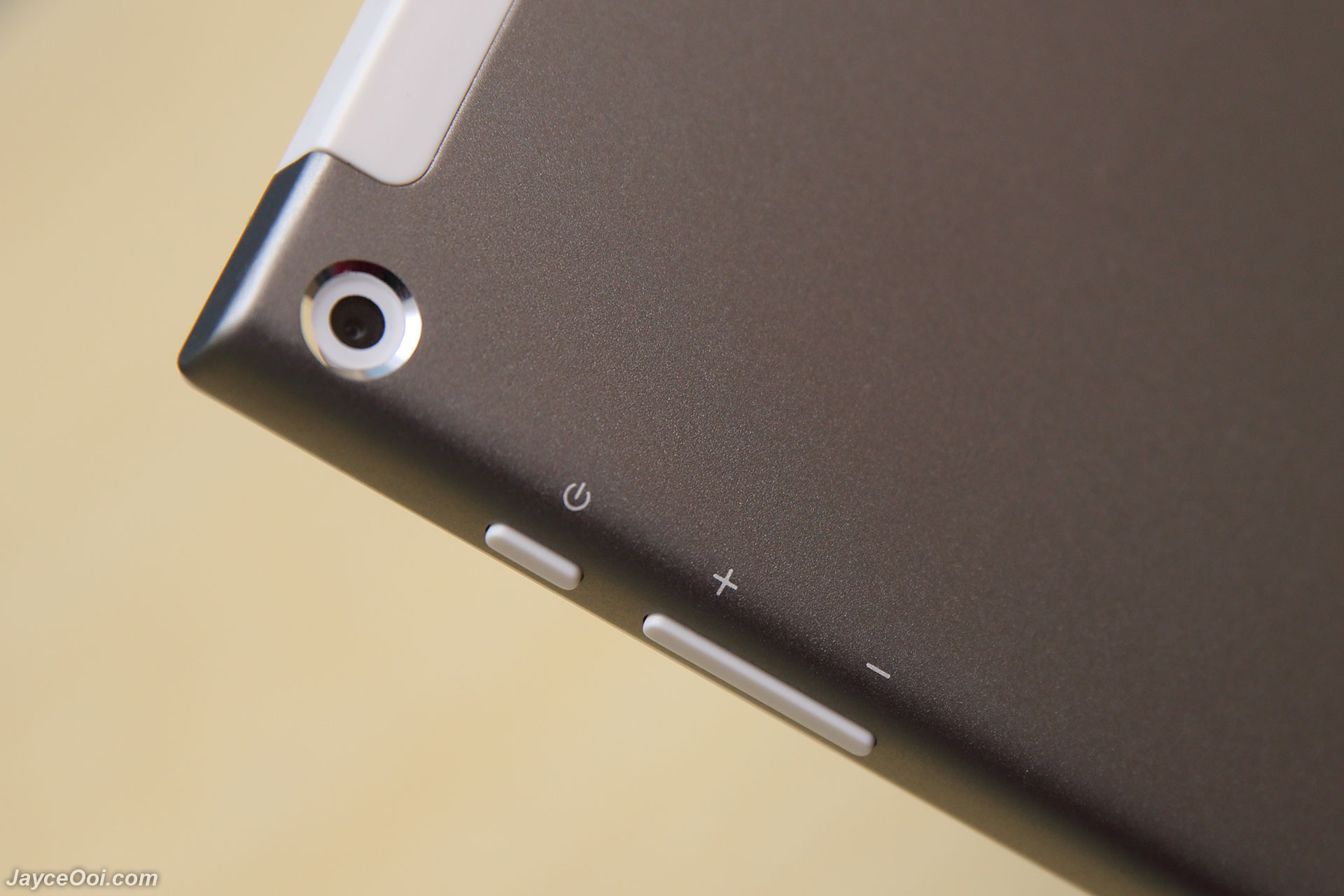
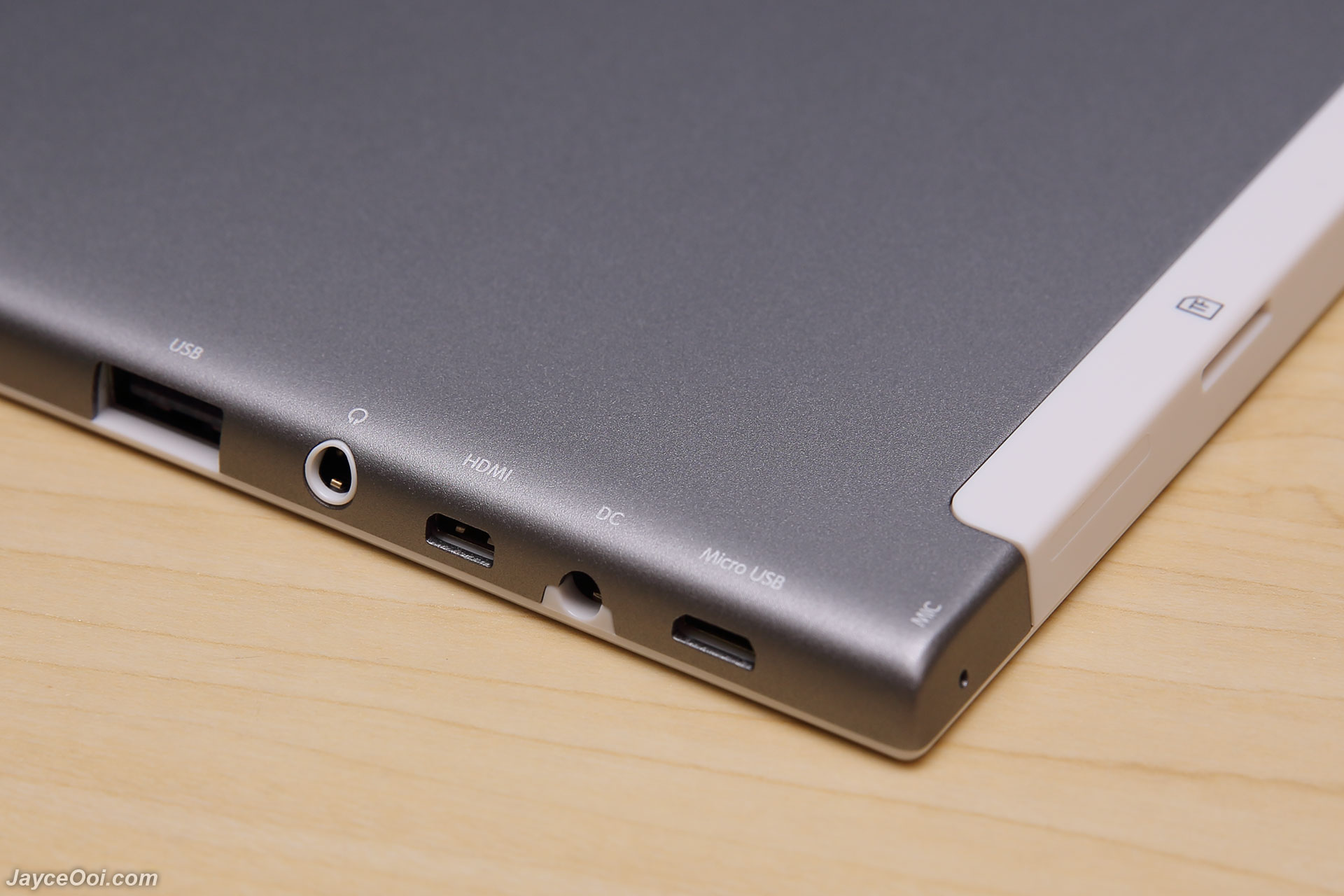
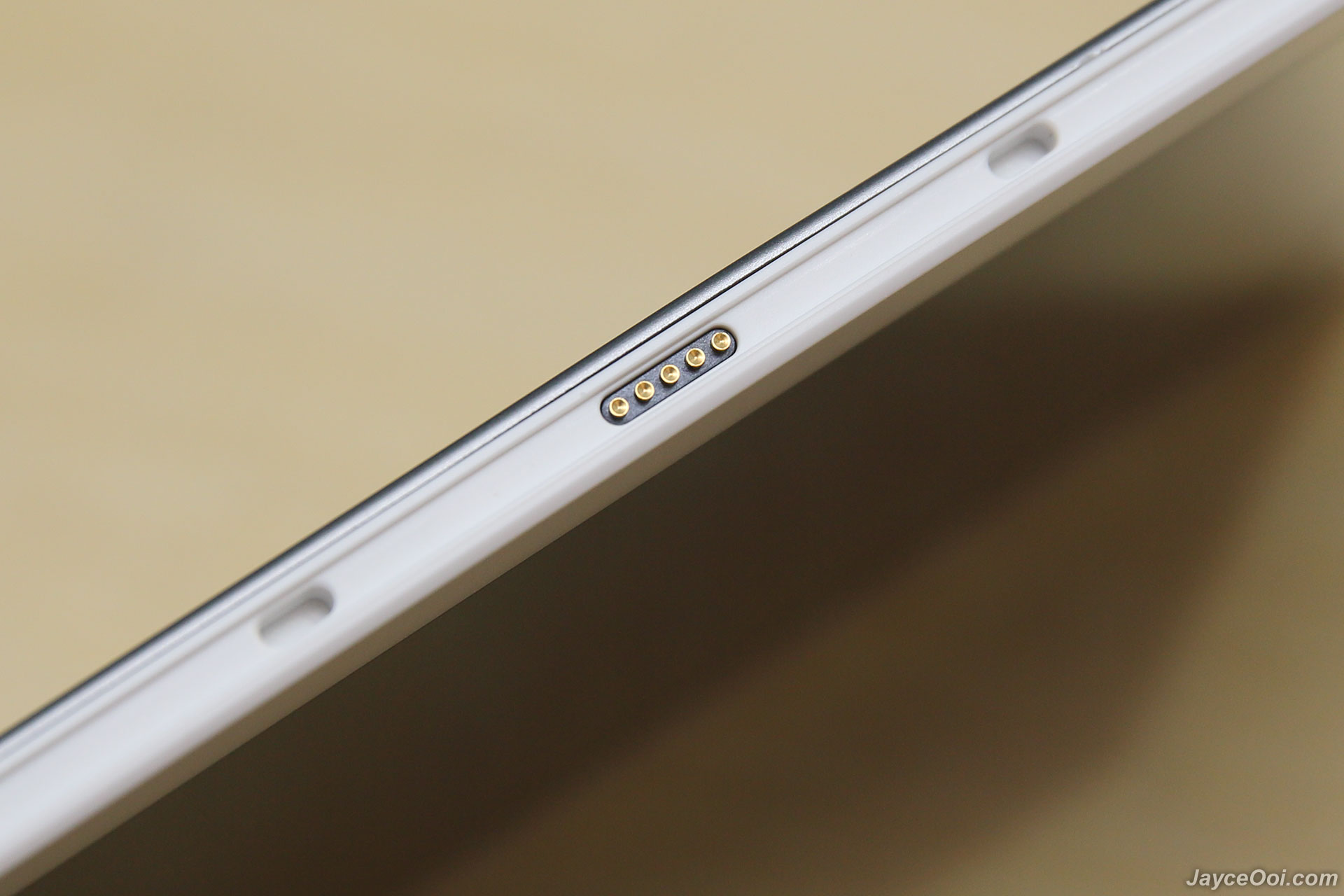
Package Content & Design Teclast X10 Plus is well protected while in the package. And it comes with built-in screen protector as well. Besides, you can find micro USB cable, DC to USB cable, OTG cable, user manual and warranty guides too. That’s all. No charger can be found. Not a surprise from a China tablet. So just use back your existing one will do. Build quality is top notch thanks to sturdy white plastic bezel and metal silver cover. However, this also make it a little bit heavier at 626.5g. At front, you can find 2MP front camera in top center and LED light indicator on top left. Power and volume buttons are located at the right. Rear camera is just beside them at back. All other inputs/output like USB, headphone jack, HDMI, DC, micro USB, mic, microSD slot and speaker are located at the left. Finally, there is a keyboard docking port for you too. Just refer to below photos for more details.
Front view
2MP camera
2MP rear camera, power and volume buttons
Lot of inputs and outputs
Keyboard docking points
Speaker on lower right
Software & Hardware Teclast X10 Plus is loaded with Android 5.1 Lollipop. Well, it is basically stock Android OS with custom navigation bar. And it is running smooth and fast. As usual, some bloatwares were pre-installed on Teclast X10 Plus. Thankfully, none of them are system apps. So you can uninstall them later if you don’t need them at all. As a result, I can say that Teclast X10 Plus is bloatware-free. However, the current firmware is not bugs free. It does not display applications’ battery usage. Therefore, I cannot know which application is eating the most of the battery. In addition, the auto-rotation function has issue – the screen will be upside down on certain apps and games. Well, the accelerometer is working fine. Screen will rotate when you flipped the tablet but system just make it upside down again for no reason. Hopefully, future firmware can fix this issue. Disable auto rotation is the only way to overcome this issue for the moment.
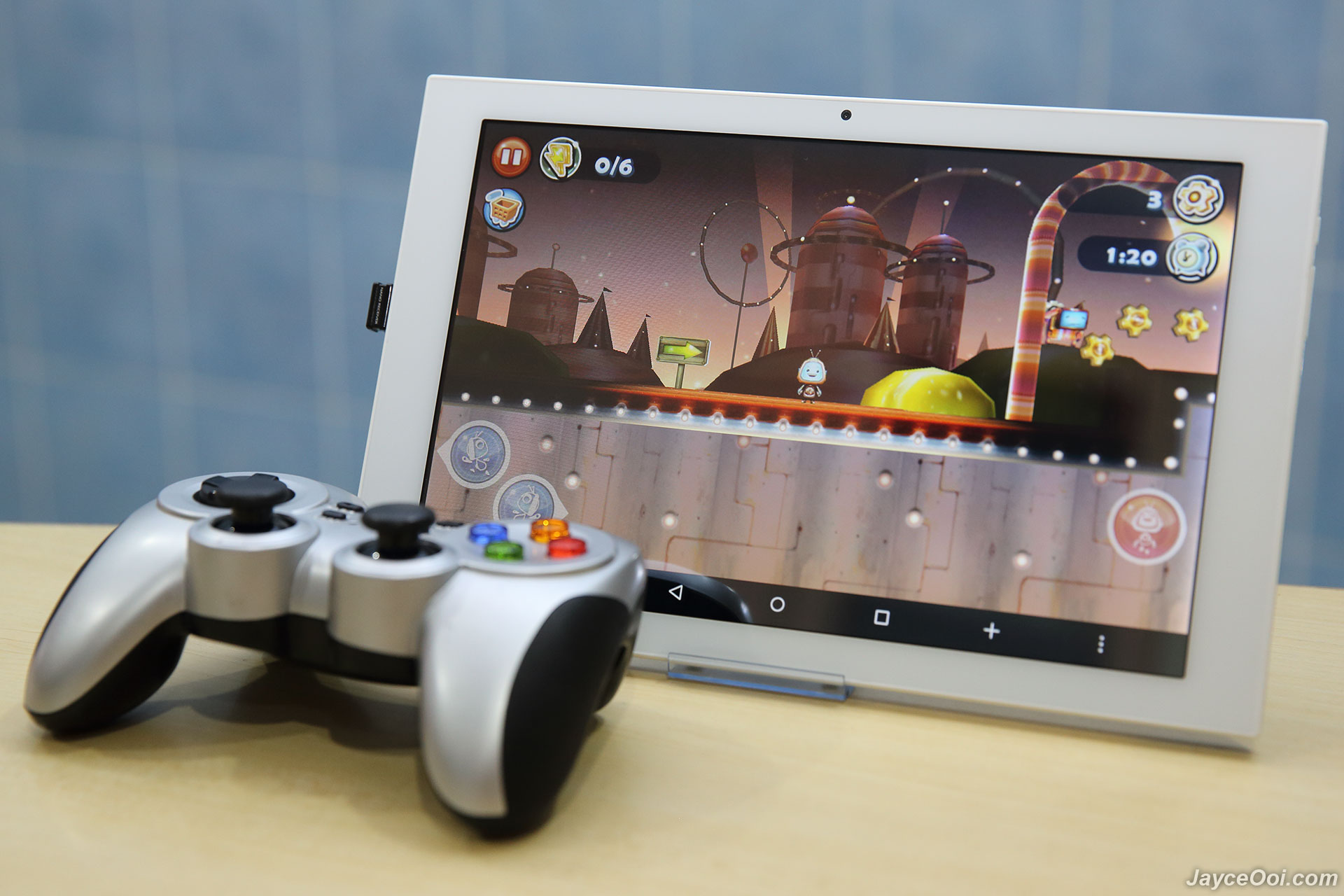
Intel Cherry Trail Z8300 (Atom X5) does make tablet fly. All the applications and games are running smooth. No complaint here. 2GB of RAM is being used effectively too. You still have 1.2GB RAM free once Android OS is loaded. And plenty of disk space for all your games, photos and videos on 32GB internal eMMC storage. My only complaint on the hardware – average display. 1280 x 800 resolution is considered low on 10.1″ screen when you have lot of retina display devices. Not a deal breaker but definitely not providing the best experience when use it up close. Thing is getting better when you pair it with keyboard and mouse for office work as mini PC. Or a joypad for games. And it is great to use it as mini theater with hooked up with external speaker. The display get less pixel look then from far away. In short, a nice office and entertainment machine. Period.
The full size USB port is very useful as well. You don’t need to bring extra OTG cable in order to connect your flash drive. Just plug it into the USB port will do. Same apply to other USB devices like keyboard and mouse. Need to connect 2 USB devices? No worry, just use OTG cable to connect another one will do. Furthermore, HDMI output give you the chance to enjoy all your favourite movies and games on bigger TV screen while sitting on soft sofa. Just like a set-top box with Kodi installed and games console when connected with game controller. Wi-Fi coverage range is good – on par with my other devices. However, Bluetooth coverage is average only. No issue to output to Bluetooth speaker or headphone in the same room though. The built-in speaker quality is good. No distortion even at maximum volume and easily fill the whole room. Headphone jack output is clean too. As usual, check out below Teclast X10 Plus real world software and gaming performance video to know more.
No doubt that Teclast X10 Plus perform well in Android 5.1. All the applications and games are running smoothly, right? And it is really useful and productive when connect with external keyboard and mouse. Lot of fun when plug with joypad for games as you can see from the video. No touch is needed. And great for entertainments like movie and anime when connected to larger Bluetooth speaker.
Benchmark Okay, here are synthetic benchmarks data for those who like to see. AnTuTu, Basemark OS, Geekbench, Epic Citadel, A1 SD Bench and 3DMark should able to give you in-depth technical data that you need. Yup, Intel HD Graphic Gen8 GPU performs flawlessly on HD screen here.
3DMark Ice Storm
A1 SD Bench
AnTuTu Benchmark
Basemark OS II
Epic Citadel Unreal
Geekbench 3
Battery I can’t use USB DAC to listen music and charge my other devices at the same time. However, this is not the case on Teclast X10 Plus with extra DC port. I can charge it through DC port and still use micro USB for USB DAC. Can it be charged using micro USB port? YES! No need to bring extra DC cable with you. How is the battery life? I don’t have the extra data from system itself due to the bug I mentioned previous. Roughly, this tablet can last for around 5 to 7 hours on playing casual games, watch movie and surfing Internet. As for charging, it takes around 3 hours and a half to fully charge its 7200mAh battery. That’s using Samsung fast charger with 5.3V output. It can accept up to 2.3A by using that. But accept up to 1.3A only with all my other 2A with 5V chargers. Hmm… Very picky on charger. No idea why.
Camera Tablet is not meant to take photo especially with large tablet. Therefore, I don’t care much about photo quality on tablet. Most of us use smartphone to take photo and video anyway. So here are the samples for both front and rear camera. Not great as expected from 2MP camera but good enough for casual video conference and social network.
Rear Camera
Front Camera
Advantages - Unbeatable price - Powered by Intel Z8300 - 2GB RAM + 32GB ROM - Miracast, HDMI, USB, DC & USB OTG support - Keyboard docking - Excellent build quality
Limitations - Low pixel density display - Firmware needs improvements - Picky on charger
Teclast X10 Plus with joypad
Conclusion Teclast X10 Plus is a nice Android tablet for both office and entertainment no doubt. Fast and smooth with Intel Z8300 Quad Core Processor. And loaded with lot of connectivity. Easily turn into a mini PC, set-top box and game console. Not without bugs but should be fixed in future firmware update. More information can be found at Teclast Website. And get yours at GearBest like I did.
Author's Note: The original review can be found at my blog - Teclast X10 Plus Review, please visit my blog to show your support too.
I need to see the /data dir on my tab, but don't have permission. I can't find a rom for it, so I can't root it. What can I do? Can anyone develop a rom? Or suggest another method of getting into this directory? supercowz can you help? Regards, KB
recently i bought a Teclast X80 Dual OS China Tablet and put a 64 GB SD Card in it. It is recognized by the system and i can use it with the internal explorer app. Also i can read it with ES file explorer and also achieved to write to it when selecting it correctly. But apps like "DiskUsage" or "FlickFolio" doesn't even show that an external sd exists. The problem is the tablet doesn't ask for sd access or something like that. Also i didn't found a setting or a possiblity to set permissions. And on top it is not rootable at the moment.